ESPECIAL "ROMEO & JULIETA"
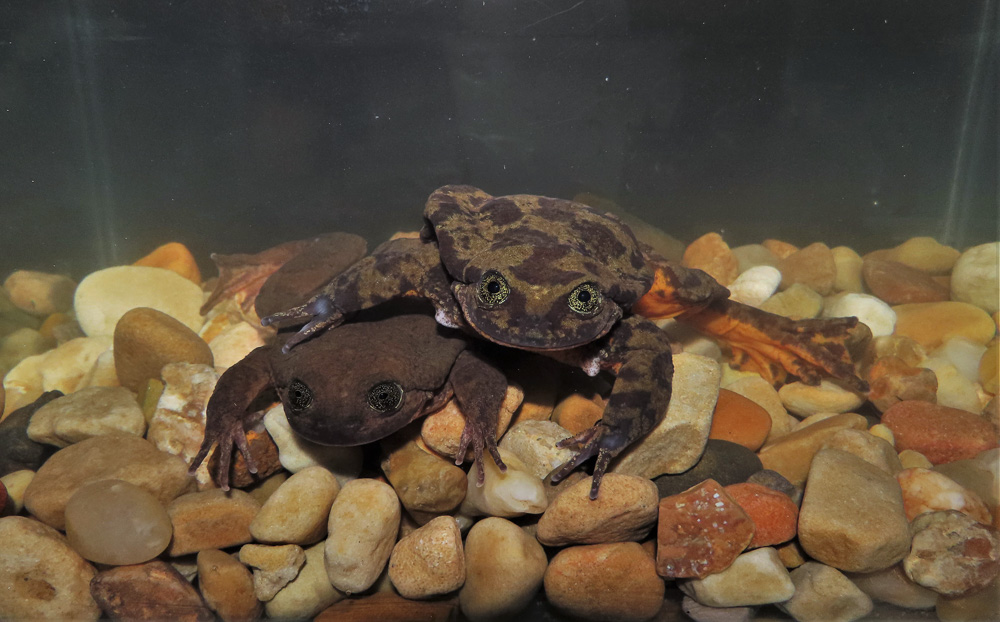
(Las ranas de Sehuencas "Telmatobius yuracare" en el Centro Kayra del Museo de Historia Natural Alcide d'Orbigny)
¡¡¡FELICIDADES BIODIVERSIDAD!!!
Orgullosos de comunicar que Romeo y Julieta a partir de HOY ya no estarán solos!
Lee el artículo
- Mira la entrevista a Sophia Barrón L. (asistente personal de Romeo & Julieta) aquí: Entrevista
- Más preguntas y respuestas: FAQ
VISITANOS
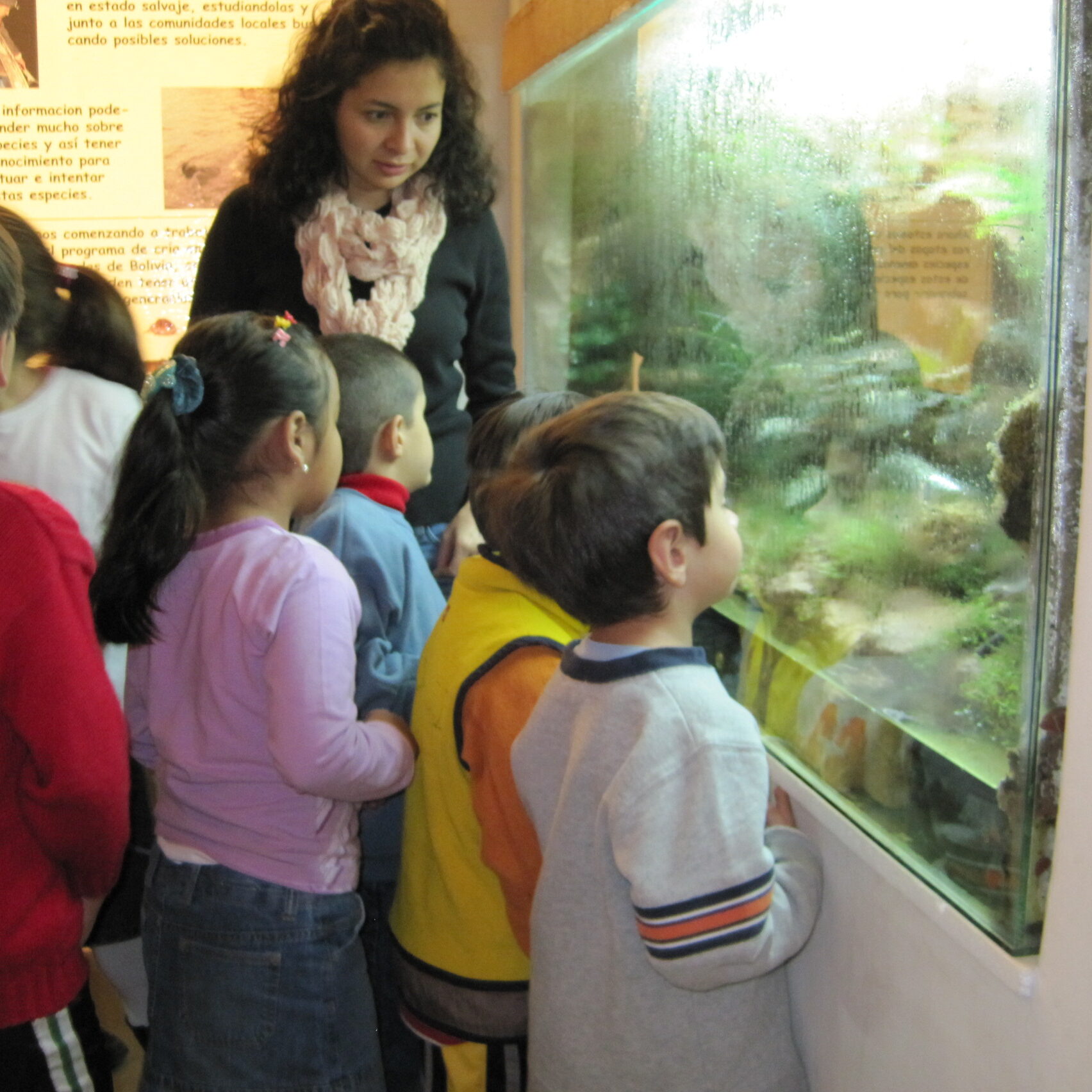
Descubre la riqueza natural de Bolivia a traves de la visita a nuestras salas de exhibición. En ellas aprenderás sobre la tierra y su proceso de formación, la aparición de la vida y la importancia de seres vivos con los cuales compartimos el planeta.
Nuestro Trabajo
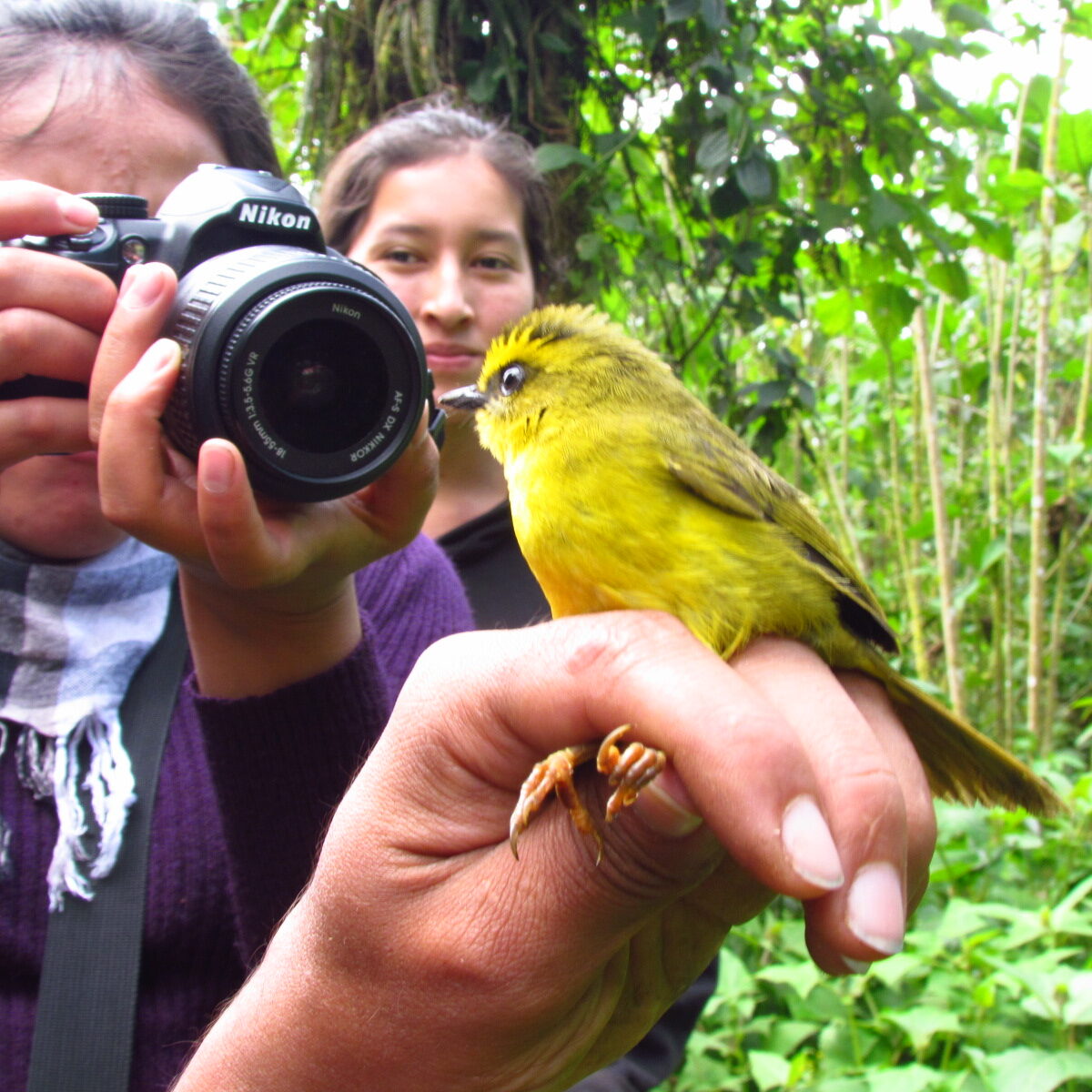
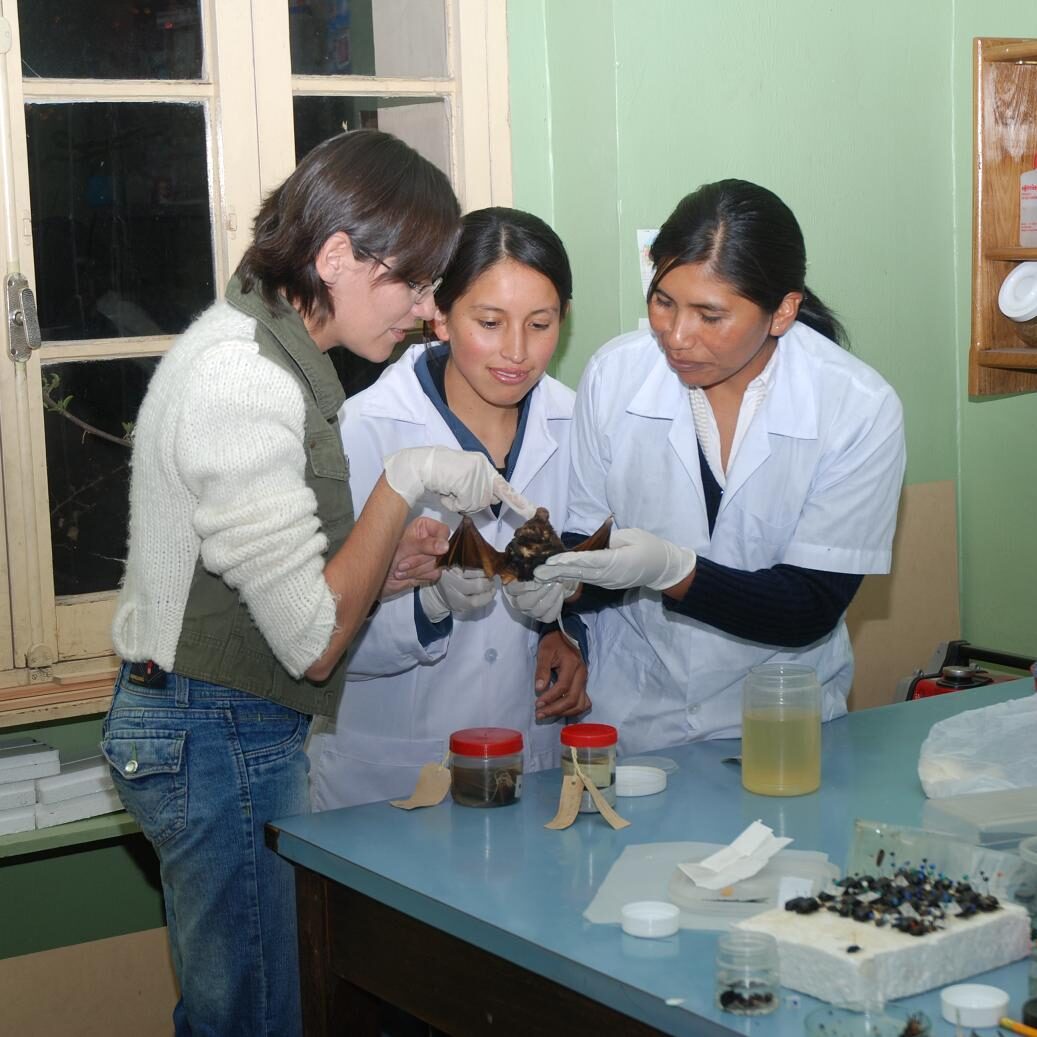
A tráves de los años el museo ha contribuido al conocimiento de la diversidad natural de Bolivia realizando proyectos de investigación y capacitación continua a nuestros investigadores.
Nuestras Colecciones
Parte importante del trabajo que realizamos se ve reflejado en las colecciones científicas que el museo guarda como material de consulta, estudio y analisís para actuales y futuros proyectos.
La conservación de este patrimonio nos permite comprender como la vida ha ido cambiando a tráves del tiempo, y nos ayuda a entender el estado en el cual la humanidad se encuentra respecto del uso de los recursos naturales.
MUSEO DE HISTORIA NATURAL "ALCIDE D'ORBIGNY" DE COCHABAMBA
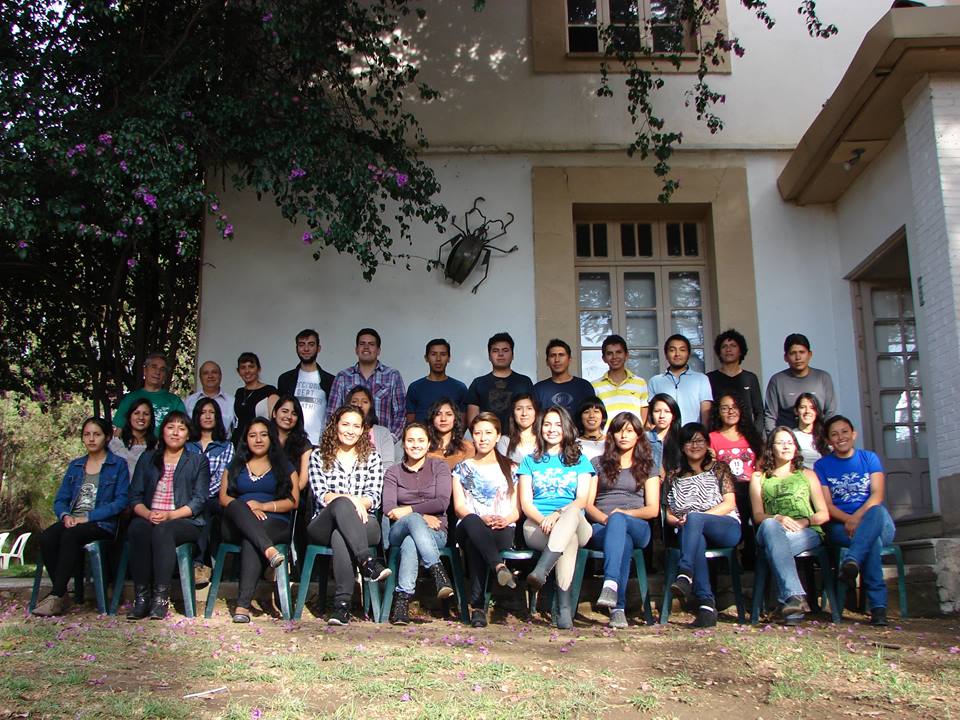
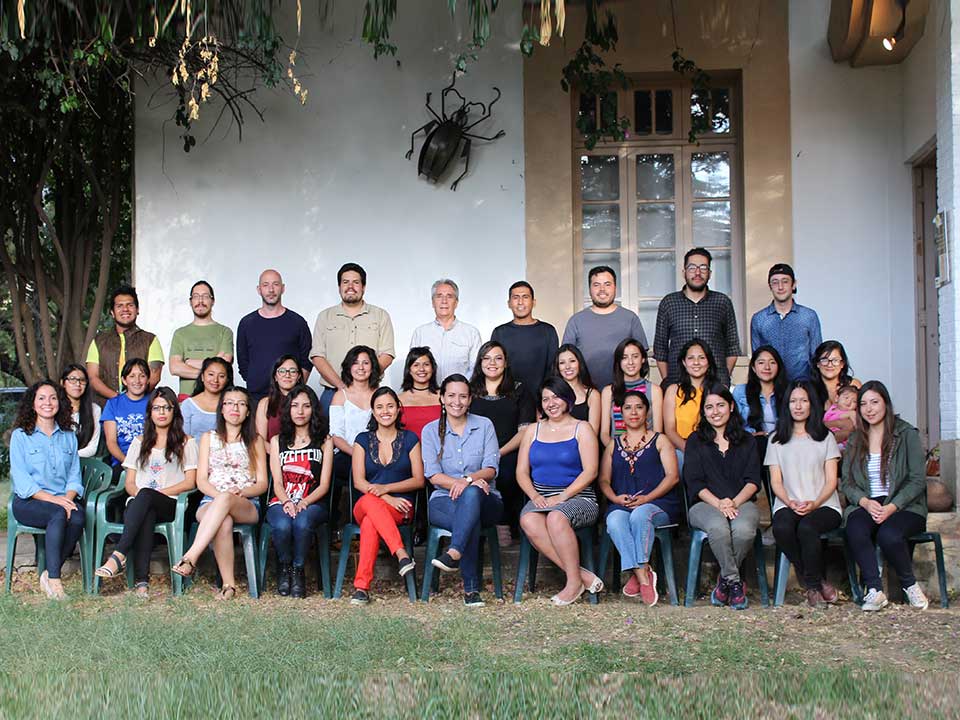
Somos una institución dinamica que trabaja para conservar la biodiversidad en Bolivia a tráves de la realización de proyectos de investigación, conservación de colecciones científicas y programas de difusión y comunicación a la sociedad.
Nuestras áreas de acción son la paleontología, cambios climáticos, estudio de invertebrados y vertebrados, estudios de plantas, biología molecular y apoyo a la educación.
Por la gran labor que realizamos, el 30 de Octubre de 2014 hemos sido declarados como "Patrimonio Cultural y Natural del Estado Plurinacional de Bolivia", además de ser reconocidos por la Academia Nacional de Ciencias de Bolivia como repositorio nacional.
AGENDA & EVENTOS
Eventos recientes:
- Orgullosos de comunicar que Romeo y Julieta a partir de HOY ya no estarán solos! - Artículo
- Lea la Entrevista a Sophia Barrón L. (Asistente personal de Romeo & Julieta) aquí: Entrevista
- Lea sobre Romeo - (La rana de Sehuencas) - Artículo
Más preguntas y respuestas: FAQ
Próximos Eventos:
- Taller de Introducción a la Observación de Aves.
- Exposición sobre la cuenca del Río Rocha
Eventos pasados:
- Curso de Conservacion de la Biodiversidad - Abril 2018
- I Congreso Boliviano de Herpetología - Oct. 2018 (La Paz)
HAZ TU RESERVA
Abrimos en las mañanas de Lunes a Viernes de 09:00 a 12:00